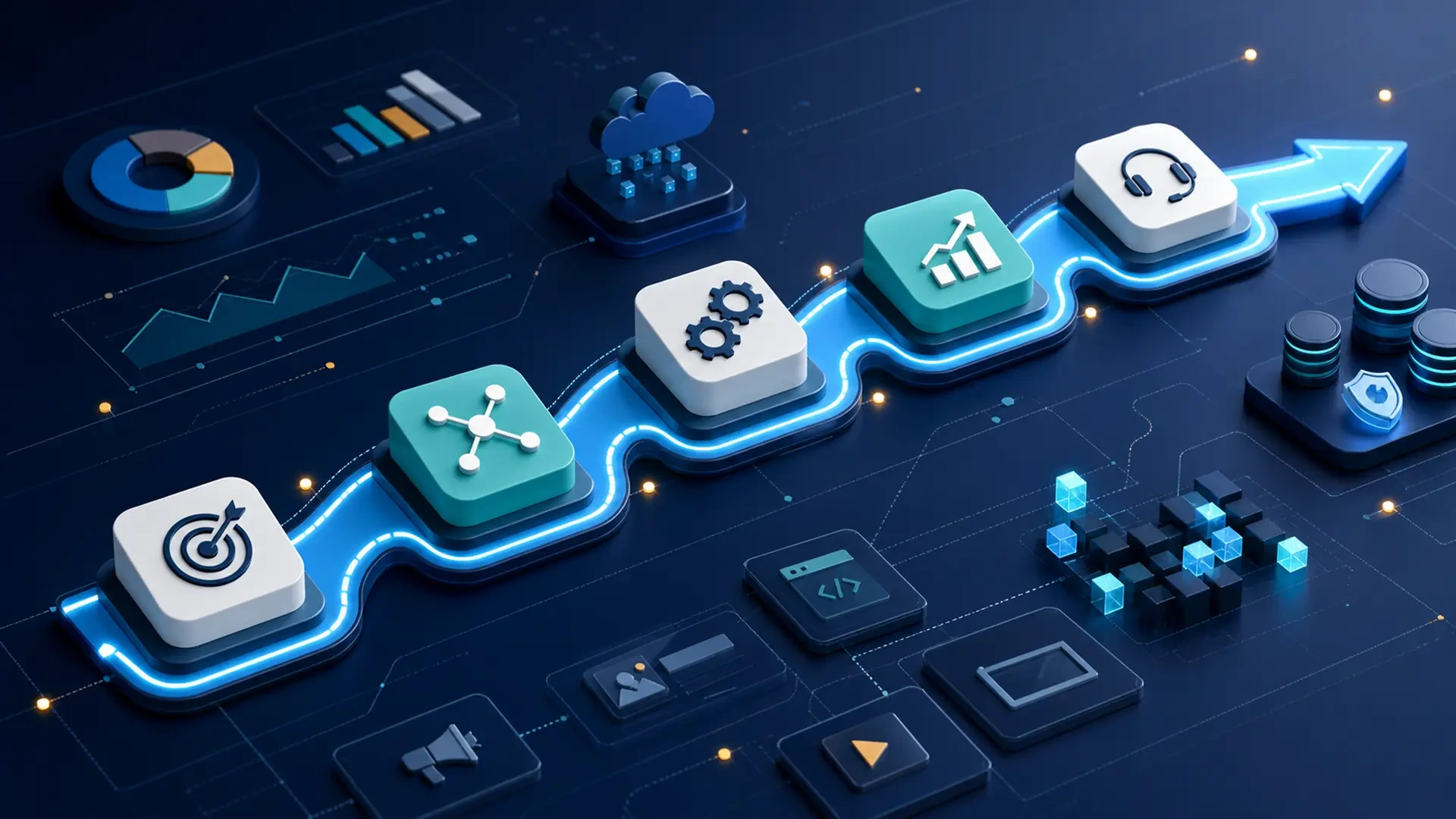
What a practical digital roadmap should include
A digital roadmap helps a business decide what to improve, in what order, and why.
Without one, digital work can become a collection of disconnected efforts: a new tool here, a website update there, a campaign running separately from the sales process, an automation added before the workflow is clear, or software development started without enough operational context.
The result is activity without a system.
A practical digital roadmap does not need to be complicated. It should help the business connect problems, priorities, technology, marketing, data, people, and support into a sequence that can be understood and improved over time.
What is a digital roadmap?
A digital roadmap is a structured plan for improving how a business uses technology and digital channels.
It can include:
Website improvements.
Software development.
Tool integration.
Workflow automation.
Data organization.
SEO and content.
Paid campaigns and landing pages.
Reporting and dashboards.
Customer portals or applications.
Support and maintenance.
AI-assisted processes.
The roadmap should not be a wish list of every possible digital idea. It should organize the next steps around business priorities.
Start with the business objective
Every roadmap should begin with the result the company wants to improve.
Examples include:
Generate more qualified conversations.
Reduce manual data entry.
Improve customer follow-up.
Make reporting easier.
Support a growing operation.
Replace a fragile spreadsheet process.
Improve website visibility.
Connect marketing activity to lead tracking.
Prepare an application for future growth.
The objective does not need to be perfect, but it should be specific enough to guide decisions.
“Improve our digital presence” is broad. “Make it easier to track website leads from form submission to follow-up” is more useful.
Map the current situation
Before defining future work, document how the business operates today.
A practical roadmap should describe:
Current tools.
Current workflows.
Main data sources.
Manual tasks.
Known bottlenecks.
Customer-facing friction.
Existing website or application issues.
Marketing channels.
Reporting gaps.
Support needs.
This step keeps the roadmap grounded in reality. It also prevents the business from choosing a solution that solves a visible symptom while leaving the cause untouched.
Define the priority workflows
Most businesses cannot improve every process at once. A roadmap should identify the workflows that matter most.
Common priority workflows include:
Lead intake and follow-up.
Customer onboarding.
Sales or proposal management.
Service requests.
Project tracking.
Inventory or operations.
Reporting.
Support tickets.
Campaign tracking.
For each workflow, define:
Where it begins.
What information is required.
Who is responsible.
Which tools are involved.
What delays or errors occur.
What improvement would matter.
This creates a practical bridge between business needs and digital solutions.
Separate quick improvements from larger projects
Not every item on a roadmap should become a major project.
Some improvements may be quick:
Updating a form.
Adding a clearer CTA.
Fixing a tracking issue.
Standardizing fields.
Cleaning duplicate data.
Improving a page title or meta description.
Creating a simple dashboard.
Adding an automated reminder.
Other improvements may require deeper planning:
Building a web application.
Creating a customer portal.
Replacing a legacy workflow.
Integrating several platforms.
Developing custom reporting.
Introducing AI-assisted processes.
Redesigning a website structure.
Separating quick wins from larger initiatives helps the business move forward without pretending that every task has the same complexity.
Include data and measurement
A roadmap should explain how improvement will be observed.
Depending on the objective, useful indicators may include:
Website visits.
Search impressions and clicks.
Form submissions.
Lead response time.
Follow-up completion.
Manual entries removed.
Duplicate records.
Report preparation time.
Support requests.
Task completion status.
Customer inquiries by channel.
These metrics do not need to be sophisticated at first. They need to be connected to the problem.
If the roadmap includes marketing, define what happens after a click. If it includes software, define what usage or workflow indicators matter. If it includes automation, define what manual step should become easier to manage.
Connect marketing and operations
Many roadmaps separate marketing from operations, but customers do not experience the business that way.
A person may discover the company through search, read a blog article, click a social post, complete a form, receive a follow-up, become a client, submit a request, and later need support.
If those steps are disconnected, digital performance becomes difficult to understand.
A practical roadmap should connect:
Visibility: how people find the business.
Conversion: how they take action.
Follow-up: how the team responds.
Operations: how the request is handled.
Reporting: how results are measured.
Support: how the relationship continues.
This is where software, automation, marketing, and support begin to work as one system.
Decide what should be integrated, automated, built, or maintained
Once the objective and workflows are clear, the roadmap can define solution types.
Integration
Use integration when tools already work but information needs to move between them.
Automation
Use automation when a repeated task has a clear trigger, rule, and next action.
Custom software
Use custom software when the workflow is specific, valuable, and poorly supported by generic tools.
Marketing improvement
Use marketing work when the problem is visibility, positioning, conversion, content, campaign performance, or post-click tracking.
Support and maintenance
Use support when the business already depends on digital systems that need stability, updates, monitoring, fixes, or improvement.
The roadmap may include more than one category, but it should explain why each one matters.
Add owners and responsibilities
Digital roadmaps fail when everything is assigned to “the business” in general.
For each initiative, define:
Business owner.
Technical owner.
Content or marketing owner.
Decision maker.
Internal users involved.
Review cadence.
Approval process.
This does not need to be overly formal, especially for small teams. But someone should know who answers questions, who validates the workflow, who provides feedback, and who approves the next step.
Plan phases, not just tasks
A roadmap should show sequence.
For example:
Phase 1: clarify and stabilize
Map the workflow.
Clean critical data fields.
Fix obvious form or tracking gaps.
Define owners.
Document the current process.
Phase 2: connect and measure
Integrate key tools.
Create basic reporting.
Improve landing pages or CTAs.
Add follow-up visibility.
Phase 3: automate and improve
Automate predictable steps.
Reduce repeated manual work.
Improve dashboards.
Test content or campaign changes.
Phase 4: build or scale
Develop custom software if needed.
Create customer-facing experiences.
Add advanced reporting.
Plan support and future releases.
The phases may change, but the sequence helps the business avoid doing everything at once.
Include risks and assumptions
A useful roadmap should be honest about uncertainty.
Examples:
Some data may be incomplete.
A tool may not support the desired integration.
Users may need training.
The website may need technical cleanup before SEO gains can be measured.
A workflow may be more complex after discovery.
AI may require better data structure before it becomes useful.
Naming assumptions early prevents the roadmap from becoming a promise it cannot responsibly make.
Include support after launch
Launch is not the end of a digital initiative.
After a website, integration, automation, application, or campaign goes live, the business still needs to review:
Bugs or errors.
User feedback.
Performance.
Security updates.
Content updates.
Tracking.
Data quality.
Process changes.
New requests.
A roadmap should reserve space for maintenance and improvement. Otherwise, digital work becomes a cycle of launches followed by neglect.
A simple roadmap structure
A practical roadmap can be organized like this:
Business objective.
Current situation.
Priority workflows.
Problems and opportunities.
Recommended solution types.
Quick improvements.
Larger initiatives.
Data and measurement plan.
Owners and responsibilities.
Timeline or phases.
Risks and assumptions.
Support and improvement plan.
This structure keeps the plan clear enough for business leaders and detailed enough for technical planning.
Build a roadmap before choosing every tool
A roadmap does not remove all uncertainty. It gives the business a better way to make decisions.
It helps teams avoid buying tools without a process, automating unclear workflows, running campaigns without follow-up, or building software without enough operational context.
Exeditec helps businesses turn scattered digital needs into practical roadmaps that connect software, automation, marketing, measurement, and support.
If your company is ready to organize its next digital step, start your project with a roadmap that connects the business problem to the right solution path.