Integration, automation, or custom software: how to choose the next step
When a business workflow starts to slow down, the next step is not always obvious.
One person may suggest connecting the tools the team already uses. Another may want to automate repetitive tasks. Someone else may believe the business has outgrown generic platforms and needs custom software.
Each option can be useful. Each option can also be the wrong investment if it is chosen before the problem is clear.
The best decision starts with the workflow: where information enters, who uses it, what action should happen next, and where the current system creates friction.
This guide explains how to compare integration, automation, and custom software so your business can choose a practical next step.
Start with the workflow, not the technology
Technology decisions become easier when the business understands the process behind the problem.
Before choosing a solution, document:
The trigger that starts the workflow.
The information required.
The people or teams involved.
The tools currently used.
The repeated tasks.
The delays or errors.
The result the business needs to improve.
For example, a lead intake workflow may include a website form, an email notification, a spreadsheet, a CRM, a phone call, a proposal, and several follow-up reminders.
If the lead is copied manually from one place to another, an integration may help. If reminders are repeatedly forgotten, automation may help. If the entire sales process has rules that no generic tool supports well, custom software may become relevant.
The same symptom can point to different solutions depending on the root cause.
When integration is the right next step
Integration means connecting two or more systems so information can move between them more reliably.
It is often the right choice when the business already has useful tools, but they do not communicate well.
Signs your business may need integration
Integration may be appropriate when:
The same data is entered in multiple tools.
A form submission must be copied into another system.
Teams use different platforms but need shared visibility.
Reports require manual exports from several tools.
Customer information exists, but not where the next person needs it.
The current tools work individually, but handoffs are slow.
Example
A company receives website inquiries through a form. The form sends an email, but someone must manually copy the contact into a spreadsheet and later enter it into a CRM.
An integration could create the CRM record automatically, assign an owner, and preserve the original form details. The business may not need new software. It may need the current tools to pass information cleanly.
What to check before integrating
Before building an integration, review:
Which system should be the source of truth.
Which fields must match between tools.
What should happen when information is incomplete.
Who owns errors or exceptions.
Whether the platforms support reliable connection methods.
How the integration will be monitored.
Integration works best when data definitions are clear.
When automation is the right next step
Automation means using rules or systems to perform repetitive actions with less manual effort.
It is useful when a workflow has a clear trigger and predictable next action.
Signs your business may need automation
Automation may be appropriate when:
People repeat the same task many times.
Follow-up depends on memory.
Status updates are predictable.
Notifications must be sent when something changes.
A task should be assigned based on clear rules.
Reports or summaries are prepared the same way each time.
Example
A service request arrives through a form. If the request is about support, it should go to one team. If it is about a new project, it should go to another. If no one responds after a certain time, a reminder should be sent.
This may not require custom software. It may require a clear automated workflow.
What to check before automating
Before adding automation, define:
What event starts the automation.
What action should happen.
Who is responsible if the rule fails.
Which exceptions require human review.
How the team will know the automation worked.
Whether the process is stable enough to automate.
Automation is not a substitute for process clarity. If the workflow is unclear, automation may simply make unclear steps happen faster.
When custom software is the right next step
Custom software means building a system around the specific needs of the business, its users, and its workflow.
It usually makes sense when existing tools cannot support an important process without too many workarounds.
Signs your business may need custom software
Custom software may be appropriate when:
The process is specific to how the business operates.
Generic platforms force the team into awkward workarounds.
Several roles need different views of the same workflow.
Customers need a portal, app, or experience tailored to the service.
Business rules are too specific for simple automation.
The team needs dashboards, permissions, or workflows that existing tools cannot provide.
The current system limits growth or creates operational risk.
Example
A logistics, service, or operations business may need dispatching, status tracking, customer updates, internal approvals, document storage, billing coordination, and reporting in one connected workflow.
Separate tools may handle pieces of the process, but the team spends too much time bridging the gaps. In that situation, custom software may provide a clearer operational system.
What to check before building custom software
Before starting, document:
Core users.
Required workflows.
Must-have features.
Nice-to-have features.
Data sources.
Permissions and roles.
Reporting needs.
Maintenance expectations.
Future phases.
Custom software should be scoped carefully. A practical first version is usually better than an oversized system that tries to solve everything at once.
How to compare the three options
Use these questions to narrow the decision.
Is the main issue data movement?
If the problem is that information exists in one tool but is needed in another, integration may be the best first step.
Is the main issue repeated action?
If the team performs the same predictable task again and again, automation may help.
Is the main issue process fit?
If the business process does not fit available tools, custom software may be more appropriate.
Is the current process documented?
If not, document it before investing. Without a workflow map, the business may choose a solution based on symptoms rather than cause.
Can the problem be solved in phases?
Often, the best path is not one decision. A business may start with integration, add automation, and later build custom software around the most important workflow.
A phased approach often works best
Many businesses do not need to jump straight into a large build.
A practical sequence may look like this:
Map the workflow.
Clean up the data fields and ownership.
Integrate tools where handoffs are manual.
Automate predictable steps.
Measure the remaining friction.
Build custom software only where the process needs a tailored system.
This approach reduces risk because each step teaches the business more about what it actually needs.
Common mistakes to avoid
Replacing tools before understanding the process
A new tool will not fix a workflow that no one has clearly defined.
Automating too early
Automation works best after responsibilities, fields, statuses, and exceptions are known.
Building too much at once
Custom software should start with the workflow that matters most. Adding every possible feature at the beginning can slow the project and blur priorities.
Ignoring maintenance
Integrations, automations, and custom software all need monitoring, updates, and support.
Separating marketing from operations
If a campaign creates leads but the follow-up system is weak, the business has not solved the full digital path.
Choose the step that fits the problem
Integration, automation, and custom software are not competing buzzwords. They are different ways to improve how a business uses information and completes work.
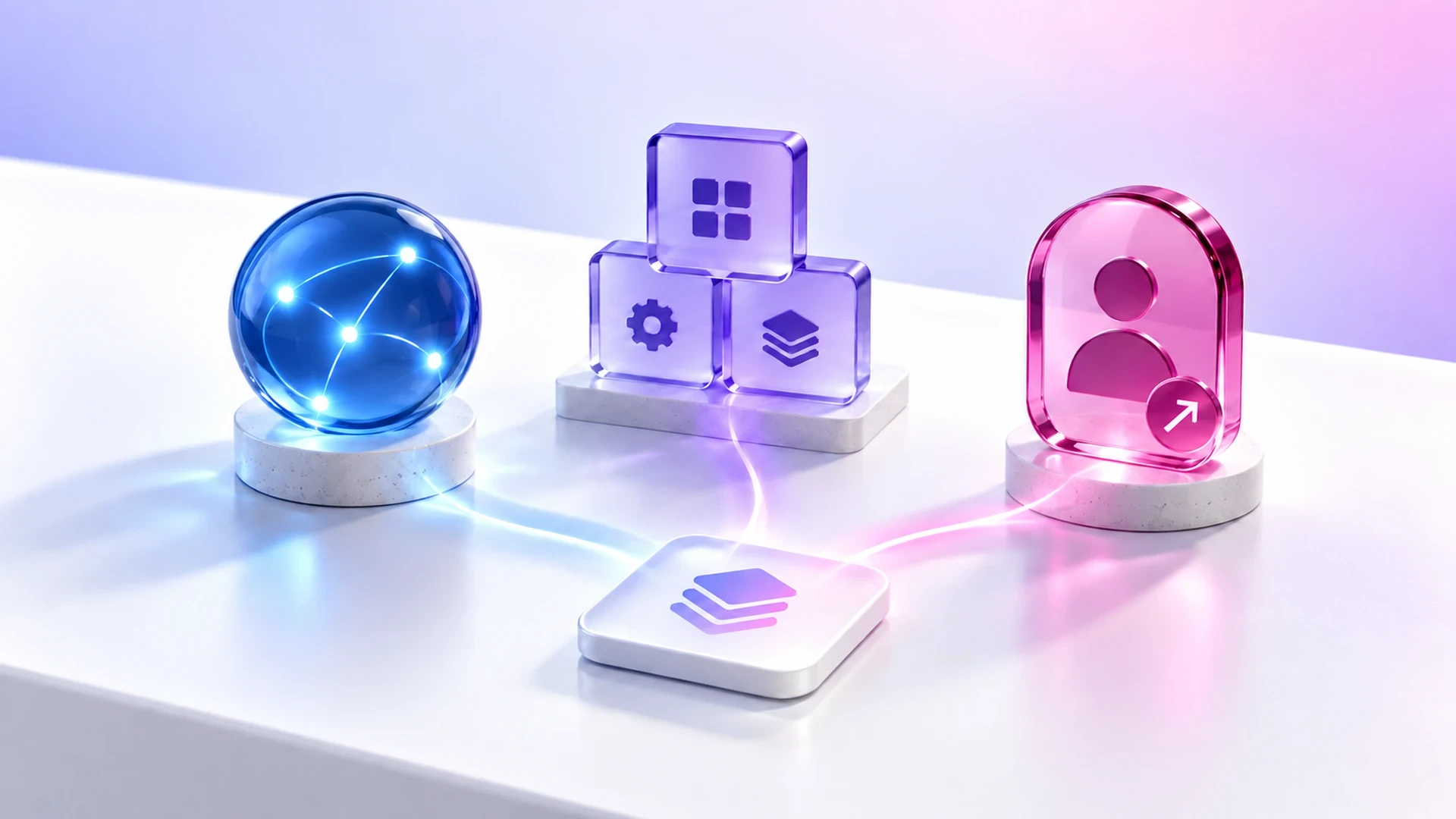
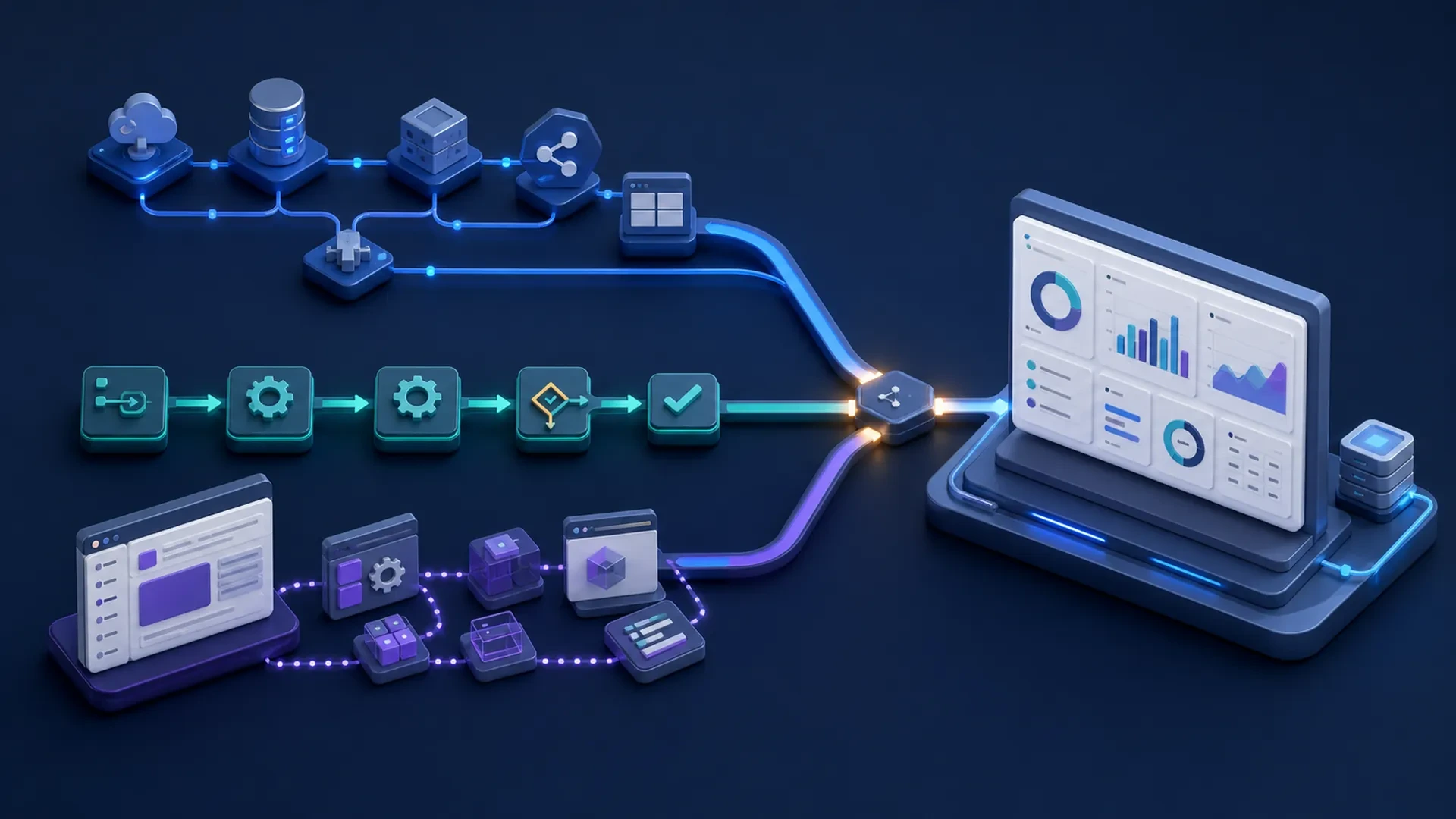
Integration connects tools. Automation handles predictable actions. Custom software supports a process that needs a tailored system.
The right choice depends on the workflow, the data, the people involved, and the result the business wants to improve.
Exeditec helps businesses evaluate disconnected tools, manual processes, and software needs before choosing a digital solution. Schedule a consultation to identify which next step fits your workflow.