When disconnected tools start slowing down your business
Most businesses do not start with a complicated digital setup. They start with practical choices.
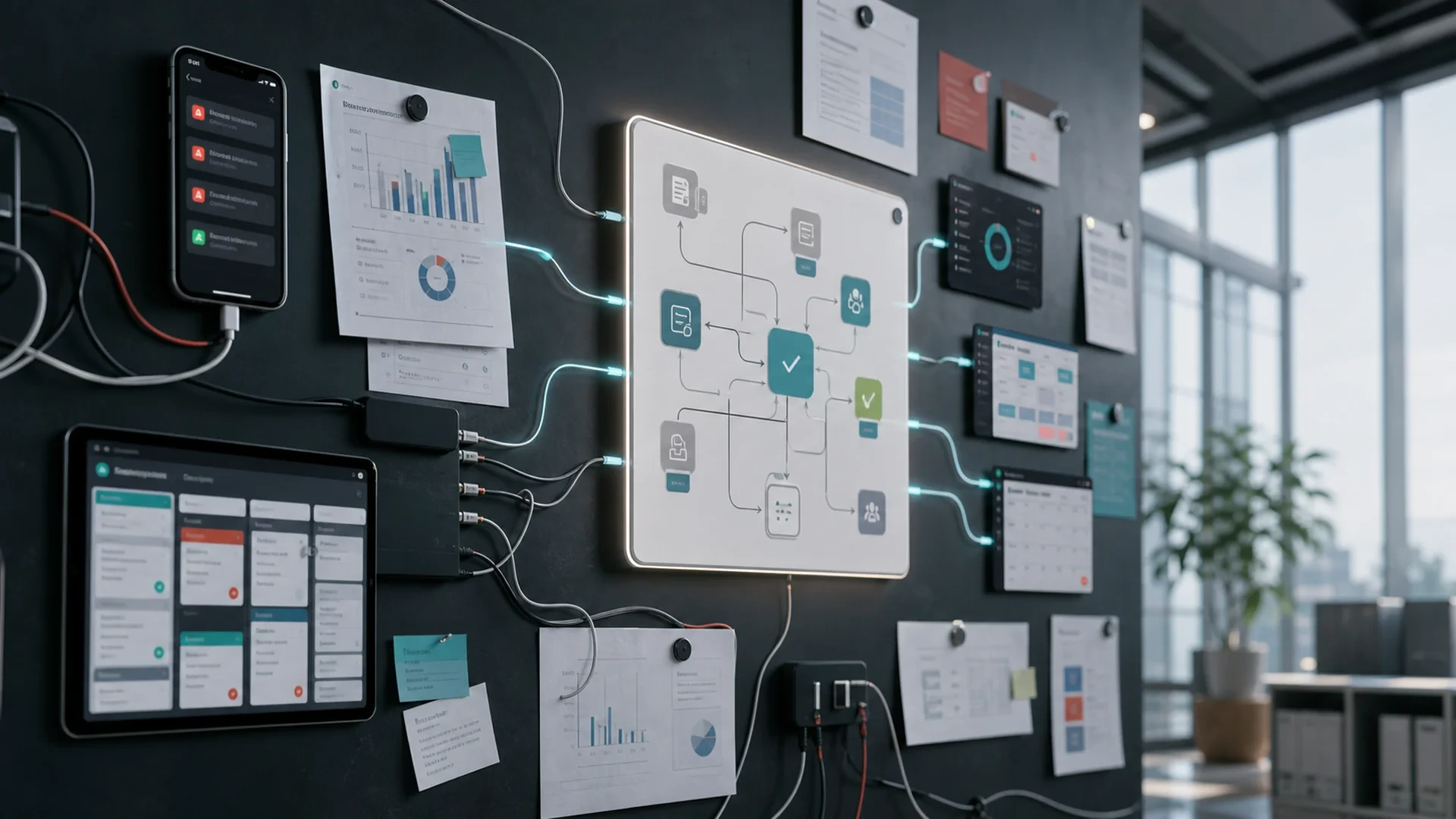
A spreadsheet tracks customers. Email handles requests. A website form sends inquiries. A messaging app keeps the team moving. A social media inbox captures leads. A project tool manages tasks. A finance tool handles billing. Each tool solves a real problem at the time.
But as the business grows, those tools can stop working as a system.
The team may spend more time moving information than using it. Customers may wait longer for answers. Reports may become harder to trust. Opportunities may get missed because no one has a complete view of what is happening.
Disconnected tools are not always obvious at first. They usually show up as small delays, repeated work, and unclear ownership. Over time, they become an operations problem.
What disconnected tools look like in real life
Disconnected tools are tools that hold important parts of the business but do not work together well.
That may look like:
Leads arriving through website forms, Facebook, email, and phone calls with no shared tracking.
Customer details stored in spreadsheets, inboxes, and chat messages.
Project updates living in one tool while files live somewhere else.
Sales conversations separated from support history.
Marketing campaigns running without a clear connection to lead follow-up.
Reports built manually because data sits in multiple places.
Team members asking each other for updates instead of checking one source of truth.
None of these problems automatically means the business needs a large software project. But they do signal that the current setup may not support the next stage of growth.
The hidden cost of disconnected tools
Disconnected tools create cost in ways that do not always appear on a financial statement.
They slow down decisions
When information is spread across tools, managers and owners have to wait for someone to gather it. That makes it harder to see what is working, what is delayed, and where attention is needed.
They create repeated work
If a team has to copy the same customer, project, or sales information into multiple tools, the process becomes slower and more error-prone.
They weaken customer experience
Customers notice when a business does not have context. If they repeat the same information to different people, wait for follow-ups, or receive inconsistent updates, the digital experience feels fragmented.
They make marketing harder to measure
Marketing works better when inquiries, traffic, content, campaigns, and follow-up actions connect. If the website, social media, and sales process are separated, it becomes difficult to understand which efforts create useful conversations.
They increase dependency on memory
When the system does not hold the workflow, the team has to remember what happens next. That may work with a small team, but it becomes risky as volume grows.
Signs your tools are no longer enough
Your business may be outgrowing its current tool setup if:
No one can quickly answer where a lead came from and what happened next.
A report takes hours because data has to be pulled from several places.
Team members use personal spreadsheets to track important work.
Customers or internal teams ask for updates that should already be visible.
Tasks depend on one person remembering to follow up.
The same information is entered more than once.
Your team avoids using a tool because it does not match the real workflow.
You have useful data, but it is not organized enough to guide decisions.
These signals are not just technical. They are business signals.
Why adding another tool may not solve the problem
When a process feels messy, it is tempting to add another app. A new CRM, project tool, automation platform, dashboard, or AI tool may seem like the answer.
Sometimes it is.
But if the business has not clarified its workflow, another tool may create another place where information gets stuck.
Before adding software, ask:
What specific problem should this tool solve?
What information needs to move into it?
What information needs to move out of it?
Who will own the process?
What will happen if the tool is not updated?
How will the team measure whether it helped?
The answer may be a better use of existing tools. It may be an integration. It may be a custom dashboard. It may be automation. Or it may be a custom system built around a workflow that generic tools cannot support well.
What a connected digital system does differently
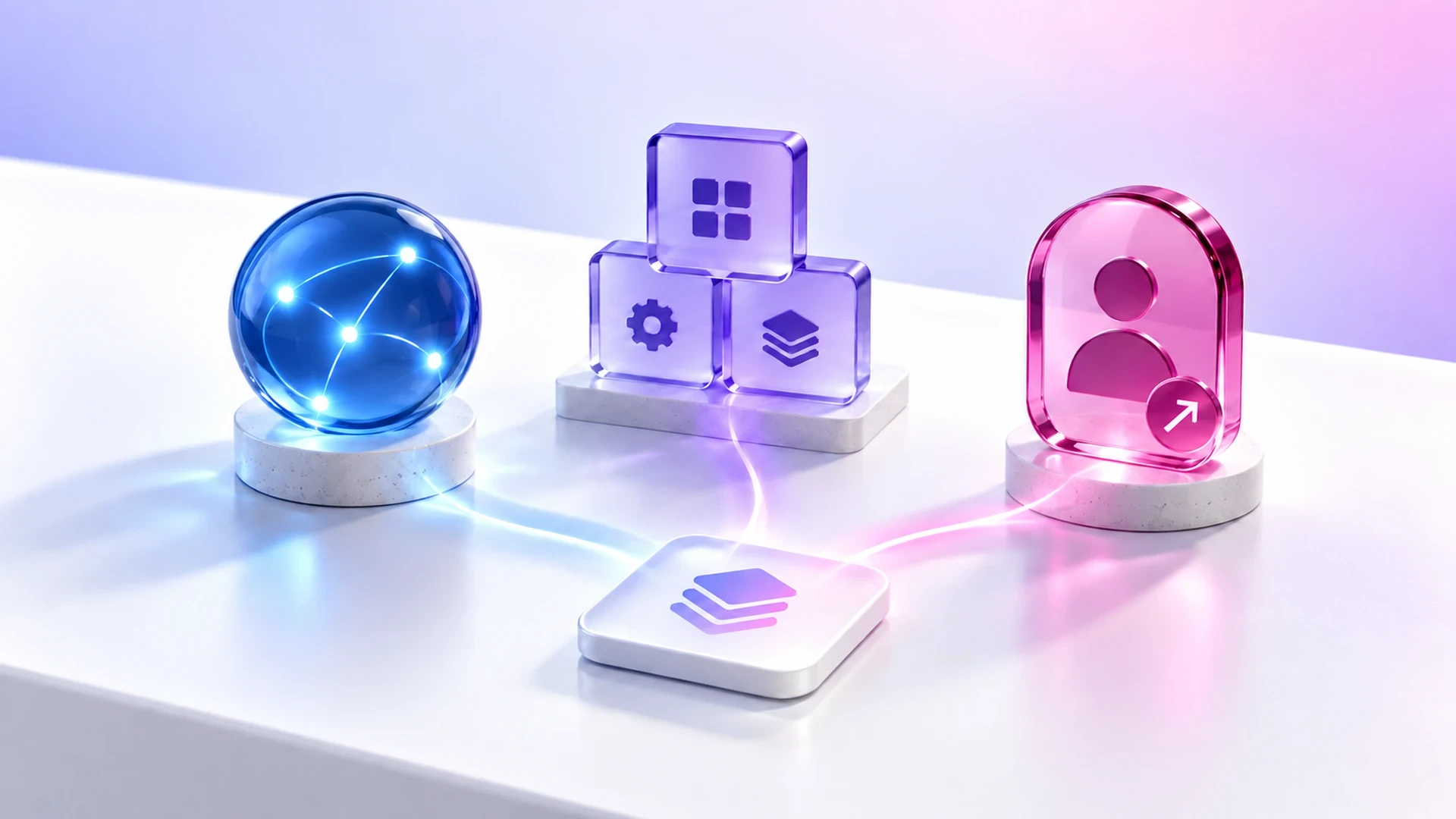
A connected digital system is not just a collection of tools. It is a workflow designed around how the business operates.
It may include:
A web application.
A customer or lead dashboard.
Automated follow-up tasks.
Internal reporting.
Integration between website forms and sales processes.
AI-supported workflows for repetitive tasks.
A mobile experience for customers or field teams.
Content and marketing systems connected to measurable actions.
Ongoing support and improvements after launch.
The goal is not to replace every tool. The goal is to connect the important parts of the business so information can move with less friction.
Start with one workflow
The best first step is usually not a complete digital transformation project. It is one high-value workflow.
Choose a workflow where friction is visible:
Lead intake and follow-up.
Customer onboarding.
Service requests.
Project status tracking.
Reporting.
Scheduling.
Inventory or order management.
Marketing-to-sales handoff.
Then map:
Where the workflow starts.
Who is involved.
What information is required.
Where delays happen.
What can be automated.
What needs human review.
What should be measured.
This gives the business a practical scope for improvement.
When custom software makes sense
Custom software is worth exploring when the workflow is important and existing tools force too many compromises.
It may make sense when:
The business has a unique process.
The team uses several tools to complete one workflow.
Manual steps create delays or errors.
Existing platforms do not provide the right reporting.
Customers need a better digital experience.
The business needs a system that can evolve over time.
Custom software should not be built for novelty. It should be built because the business has a clear problem that a tailored system can solve better than disconnected tools.
A connected system should support growth
The right digital system helps the business do more than stay organized. It can support growth by making operations, marketing, customer experience, and decision-making easier to manage.
That does not mean every process needs to be automated or every tool needs to be replaced. It means the business should understand where information moves, where work slows down, and where a better system would create practical value.
If disconnected tools are making your team slower, your follow-up weaker, or your reporting harder to trust, it may be time to step back and design the system your business actually needs.
Exeditec helps businesses turn disconnected tools and digital ideas into scalable systems supported by custom software, web applications, automation, marketing, and ongoing technical support.
Talk to our team to explore where your current tools are creating friction and what a connected digital system could look like for your business.